puts the fun  back in Lisp
back in LispPostscript and newLISP
Download postscript.lsp. Documentation can be found in the header of this file, else only newLISP is required. Each demo file below shows a different subset of the API documented in postscript.lsp.html.
On macOS Preview.app is used for viewing generated postscript files ending in .ps.
On Win32 and Linux/UNIX Ghostscript is required to convert and view postscript files. Ghostscript can be downloaded from http://www.ghostscript.com/ or from http://www.cs.wisc.edu/~ghost/.
The .lsp files as they are posted here will not work on UNIX or Win32 without the following small change (see end of .lsp file):
Replace in all files:
(ps:render)
with the following
(ps:save "myfile.ps")
or any other file name. This will generate a Postscript file myfile.ps, which can be viewed and converted with Ghostscript. The following statement would convert the postscript file to a PDF file:
gs -sDEVICE=pdfwrite -dBATCH -sOutputFile=myfile.pdf -r300 myfile.ps
The quality of the images and linked PDF files below depends very much on your OS, gs-conversion parameters and screen-graphics configuration. Quality is best on macOS systems and using Preview.app. Like Preview, Ghostscript too allows to view the .ps file without previous conversion to PDF format.
Text, fonts and clipping text.lsp text.gif text.pdf (best) |
 |
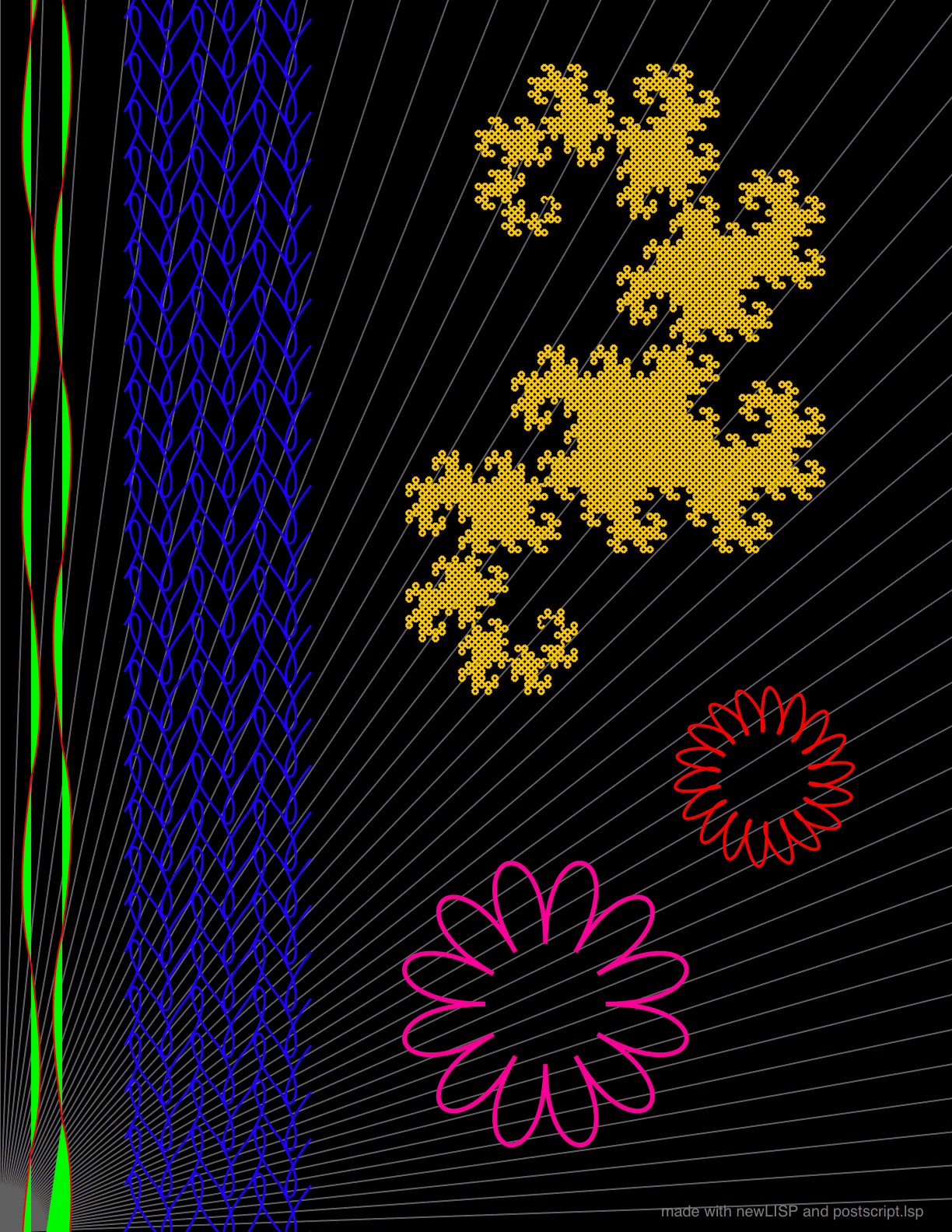
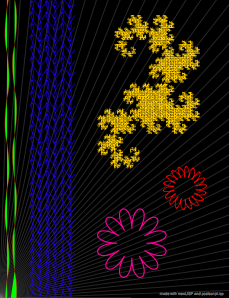
Line and Bezier curve graphics lines.lsp lines.gif lines.pdf (best) |
 |
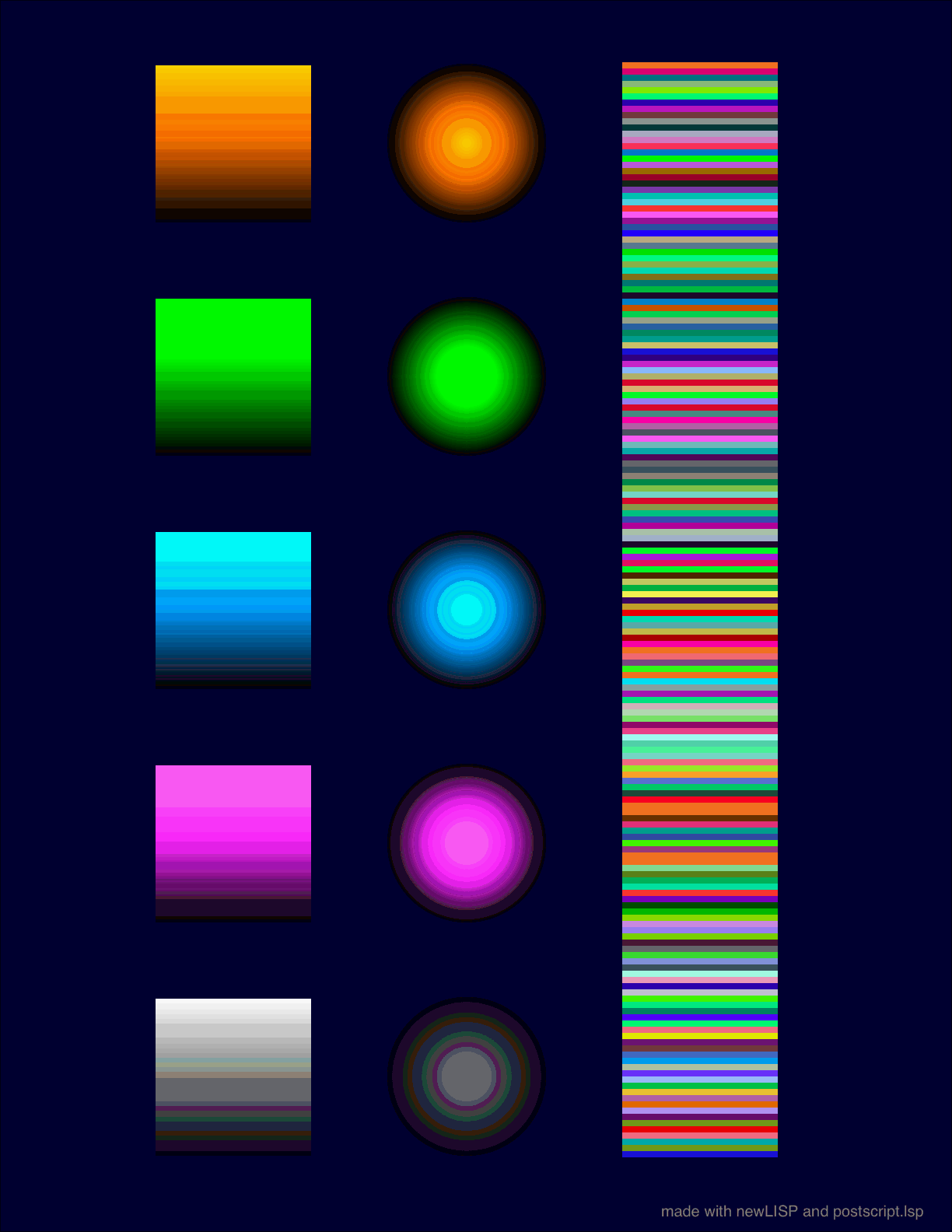
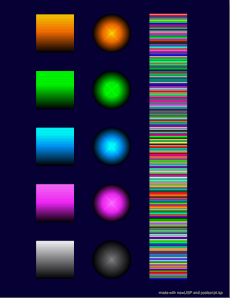
Gradients and colors gradient.lsp gradient.gif gradient.pdf (best) |
 |
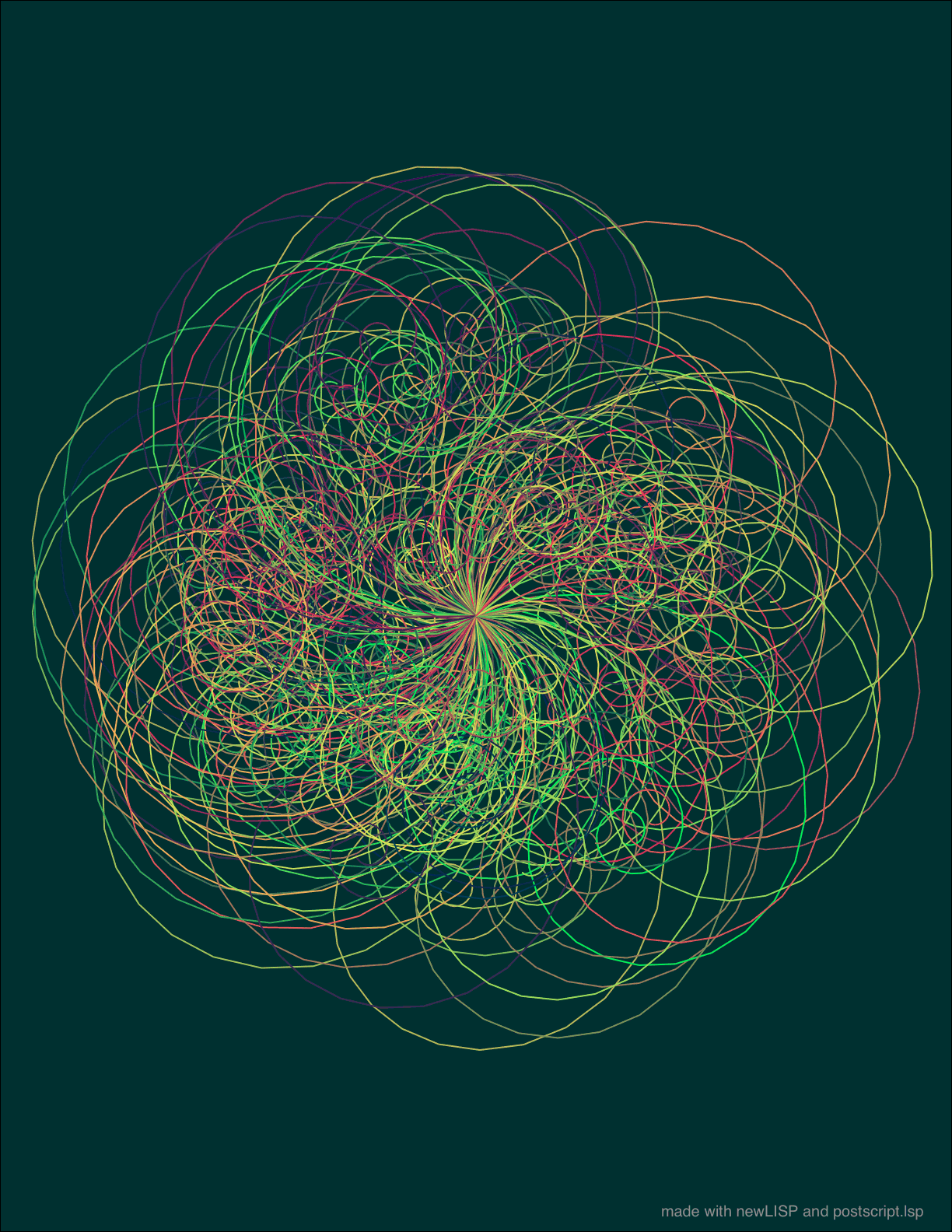
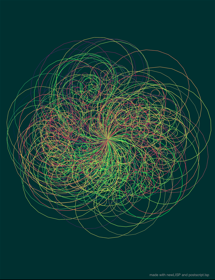
Line graphics and recursion spirals.lsp spirals.gif spirals.pdf (best) |
 |